
Wedding Invitations
Online wedding invitation with RSVP
Send your wedding invitation as a link your guests open on their phones. It holds your story, your entourage and sponsors, the program for the day, your venues and an RSVP that goes straight into your guest list.
How to make your online wedding invitation
Choose a wedding theme
Browse the wedding themes and preview any of them free. Every theme can be personalized with your own photos, wording, colors and fonts.
Add the couple, the date and the venues
Enter the bride's and groom's names, your initials for a monogram, the date and time, and the venues. A wedding can have more than one venue, such as a church for the ceremony and another place for the reception.
Tell your story and the day
Add your love story, a timeline for the day, your entourage and sponsors, a dress code with colors and a photo, a gift note, prenup photos and a video link.
Publish and share
Choose a one-time package and publish. Send the link, or download the printable QR invitation card for your paper invitations.
Manage your guests
See every RSVP in your live guest list, plan the seating, and check guests in with QR codes at the venue.
What goes on a wedding invitation page
A Graevents wedding invitation is a web page your guests open on their phones, so it can hold much more than a picture.
- The couple's names, and a monogram from your initials. The monogram appears on your printable QR card and may appear on your envelope seal, depending on the theme.
- Your story, in your own words, with photos.
- A timeline for the day, for example Ceremony, Cocktail Hour, Reception, Dinner and First Dance.
- Your entourage and sponsors, grouped as you like: Parents, Principal Sponsors, Secondary Sponsors, Bridesmaids, Groomsmen, Ring, Coin and Bible Bearers, Flower Girls.
- More than one venue, each with its own map.
- A dress code with your color swatches, and a photo for outfit ideas.
- A gift note, a prenup gallery and a video link.
RSVPs and your guest list
- Guests RSVP on the invitation and tell you their party size. Each reply goes into your live guest list, which you can export to CSV or print.
- Keep it private with Guest list only: you add your guests, each guest finds their own name and confirms, and a name that is not on your list cannot RSVP.
- Set an RSVP deadline, a largest party size and whether guests may change their reply.
- Guests can leave a message with their RSVP, and you read them all in one place.
Seating, check-in and your photos
- Plan your tables and seat each guest or family together. Guests find their own table by typing their name on a Find your table page.
- Each confirmed guest gets a personal check-in QR code. Your team scans it at the door.
- The digital photobook lets guests share their photos by QR code, with your approval, and plays them on a live slideshow at the reception (on selected packages).
Wedding invitation themes
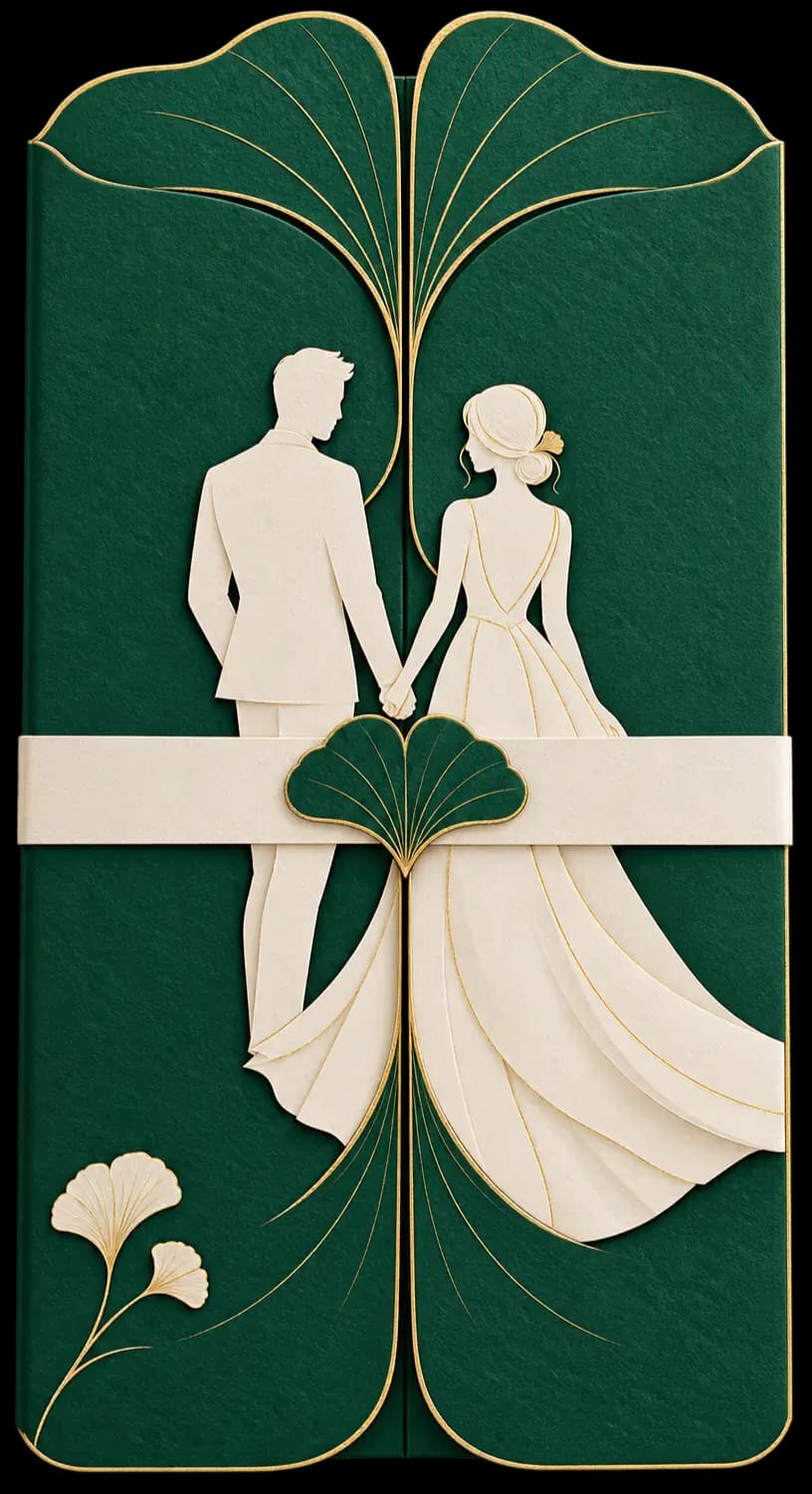
Choose from 90 wedding themes. Every one can be personalized with your own photos, wording, colors and fonts, and you can preview it free before you publish.





Common questions
- Can I list my entourage and principal sponsors?
- Yes. You group them as you like, with suggestions such as Parents, Principal Sponsors, Secondary Sponsors, Bridesmaids, Groomsmen, Ring Bearer, Coin Bearer, Bible Bearer and Flower Girls.
- Can I add the ceremony and reception venues?
- Yes. A wedding invitation can have more than one venue, each with its own map and details.
- Do my guests need an app to RSVP?
- No. Guests open your link or scan your QR code in their phone's browser and reply there.
- Can I keep my wedding guest list private?
- Yes. Turn on Guest list only. Guests find their own name on your invitation and confirm, and a name that is not on your list cannot RSVP.
- Can I also print an invitation?
- Yes. After you publish, download a printable 5 by 7 inch QR invitation card in your theme's colors. Guests scan its code to open your invitation and RSVP.
- How long does my wedding invitation link stay active?
- By default the link stays active for one year after your event, so guests can still look back at it. You can deactivate it sooner.
- How much does it cost?
- Creating and previewing your invitation is free. You choose a one-time package only when you are ready to publish. See the pricing page for the packages.
Creating and previewing is free. You choose a one-time package only when you're ready to publish. Questions? Contact us.