
Birthday Invitations
Online birthday invitation with RSVP
A birthday invitation your guests open on their phones: the party theme, the program, the venue map and an RSVP that tells you who is coming, for a first birthday, a kids' party or any age.
How to make your online birthday invitation
Choose a birthday theme
Browse the birthday themes, from kids' party themes to elegant ones, and preview any of them free.
Add the celebrant and the party
Enter the celebrant's name, the age they are turning, the party theme, the date, time and venue.
Plan the program
Start from a ready program of Registration, Games, Lunch or Dinner, Cake Cutting and a Photo Session, and edit it to your party.
Publish and share
Choose a one-time package, publish, and send the link in your group chat, or print the QR invitation card.
Manage your guests
Watch the RSVPs come in, and keep a count of children and adults for your caterer.
What goes on a birthday invitation page
- The celebrant's name and the age they are turning, and the party theme.
- A party program you can edit, such as Registration, Games, Lunch or Dinner, Cake Cutting and a Photo Session.
- The parents and the godparents (Ninongs and Ninangs), and the celebrant's friends, if you want to list them.
- Special instructions for guests, such as the dress code or where to park, and a gift note.
- A photo gallery and a video link.
RSVPs and your guest list
- Guests RSVP on the invitation and tell you how many are coming in their party, so you know your numbers.
- Keep it to your list with Guest list only, so only the guests you added can RSVP.
- Guests can leave a birthday message with their RSVP.
- Set a deadline and a largest party size per RSVP.
On the party day
- Seat families at tables, and guests find their own table by typing their name.
- Check guests in with their personal QR codes.
- Run a live raffle from the guests who are checked in. For party games, pick a random guest or split the guests into teams.
- Let guests share their photos in a digital photobook, with a live slideshow at the party (on selected packages).
Birthday invitation themes
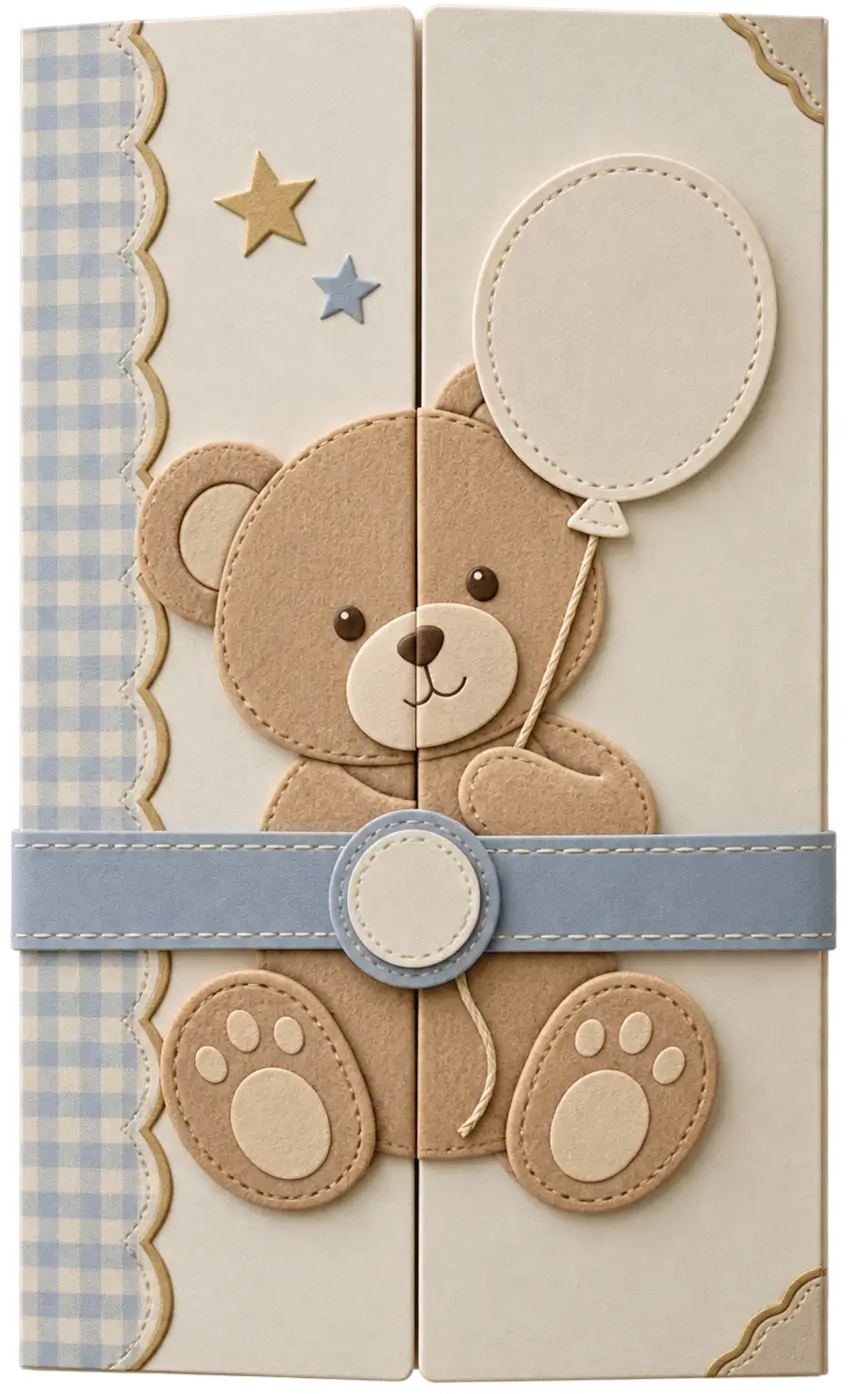
Choose from 74 birthday themes. Every one can be personalized with your own photos, wording, colors and fonts, and you can preview it free before you publish.





Common questions
- Is this only for kids' birthdays?
- No. There are themes for first birthdays, kids' parties, milestone birthdays and elegant adult celebrations. For an 18th or 21st birthday, see the debut invitation.
- Can I list the godparents and the celebrant's friends?
- Yes. The entourage section has groups for the parents, the godparents (Ninongs and Ninangs) and the celebrant's friends.
- Can I plan a party program?
- Yes. The program starts with Registration, Games, Lunch or Dinner, Cake Cutting and a Photo Session, and you can change every line.
- Do guests need an app to RSVP?
- No. Guests open your link or scan your QR code in their phone's browser and reply there.
- Can I run games and a raffle at the party?
- Yes. Once guests are checked in, you can draw raffle winners from the guests who are there, pick a random guest, or split the guests into teams.
- How much does it cost?
- Creating and previewing your invitation is free. You choose a one-time package only when you are ready to publish. See the pricing page for the packages.
Creating and previewing is free. You choose a one-time package only when you're ready to publish. Questions? Contact us.