
Debut Invitations
Online debut invitation with RSVP
A debut is a big milestone, and its invitation carries a lot: the program of roses, candles and treasures, the people taking part, and the guest list. Put it all on one page your guests open on their phones, with an RSVP that goes straight into your guest list.
How to make your online debut invitation
Choose a debut theme
Browse the debut themes and preview any of them free, then make it yours with your own photos, wording, colors and fonts.
Add the debutant and the date
Enter the debutant's name and the age she or he is turning, usually 18, or 21 for many boys' debuts. The age is used in your program ideas and on your invitation.
Build the program and the entourage
Start from a ready program, with Grand Entrance, 18 Roses, 18 Candles, 18 Treasures and the Cotillion Dance, and list everyone taking part.
Publish and share
Choose a one-time package, publish, and send the link or the printable QR invitation card.
Manage your guests
Track RSVPs, seat your guests and check them in at the venue with QR codes.
Made for a debut
- The age the debutant is turning (18, 21 or another) is part of your invitation and fills in your program ideas.
- A ready-made program to edit: Guest Arrival, Grand Entrance, 18 Roses, 18 Candles, 18 Treasures, Cotillion Dance, Dinner and Cake Cutting. The numbers follow the age you enter.
- An entourage grouped the way a debut does it: Parents, Godparents, Roses, Candles, Treasures, Blue Bills, Cotillion Dancers and Escorts.
- Special instructions for guests, such as the color theme or where to park, and a gift note.
- A dress code with swatches and a photo, a gallery and a video link.
RSVPs and your guest list
- Guests RSVP on the invitation and tell you their party size, and every reply goes into one live guest list you can export or print.
- For an invite-only debut, turn on Guest list only so only the guests you added can RSVP.
- Guests can leave a message for the debutant with their RSVP.
On the day
- Seat each guest or family at a table, and guests find their own table by typing their name.
- Scan each guest's personal QR code at the door to check them in.
- Run a live raffle from the guests who are checked in, or use the random guest picker and team generator for party games.
- Let guests share their photos in a digital photobook with a live slideshow (on selected packages).
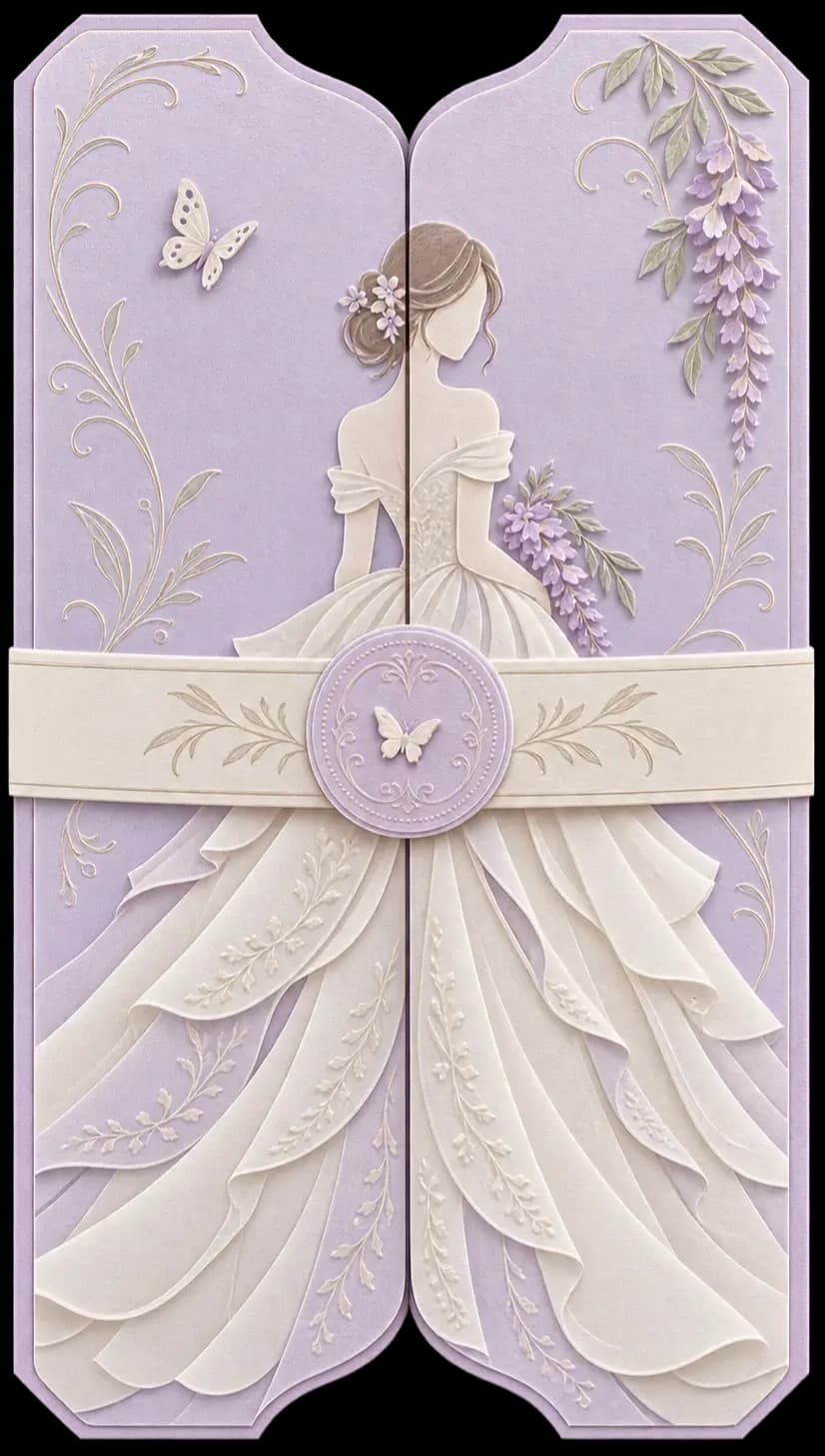
Debut invitation themes
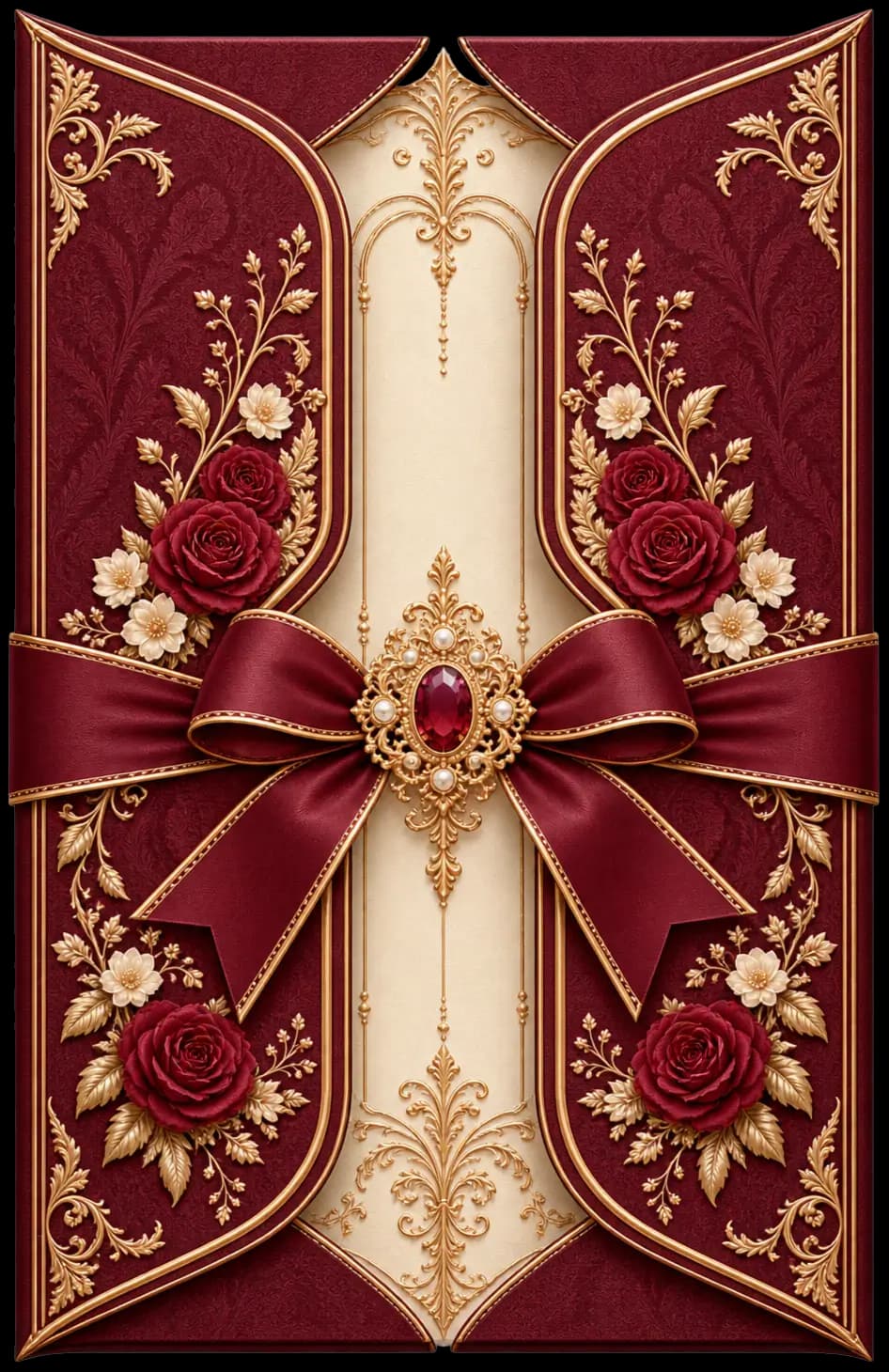
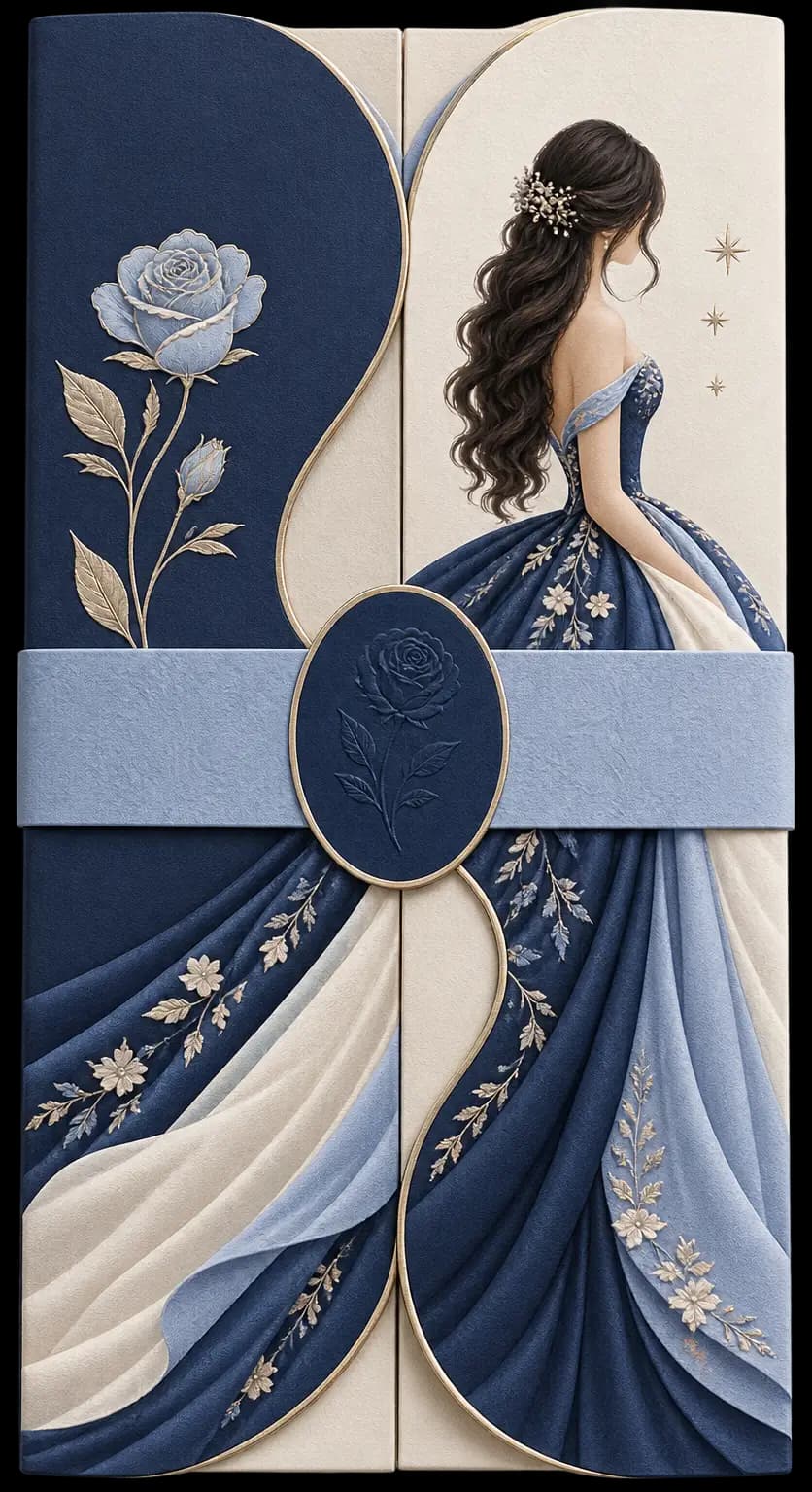
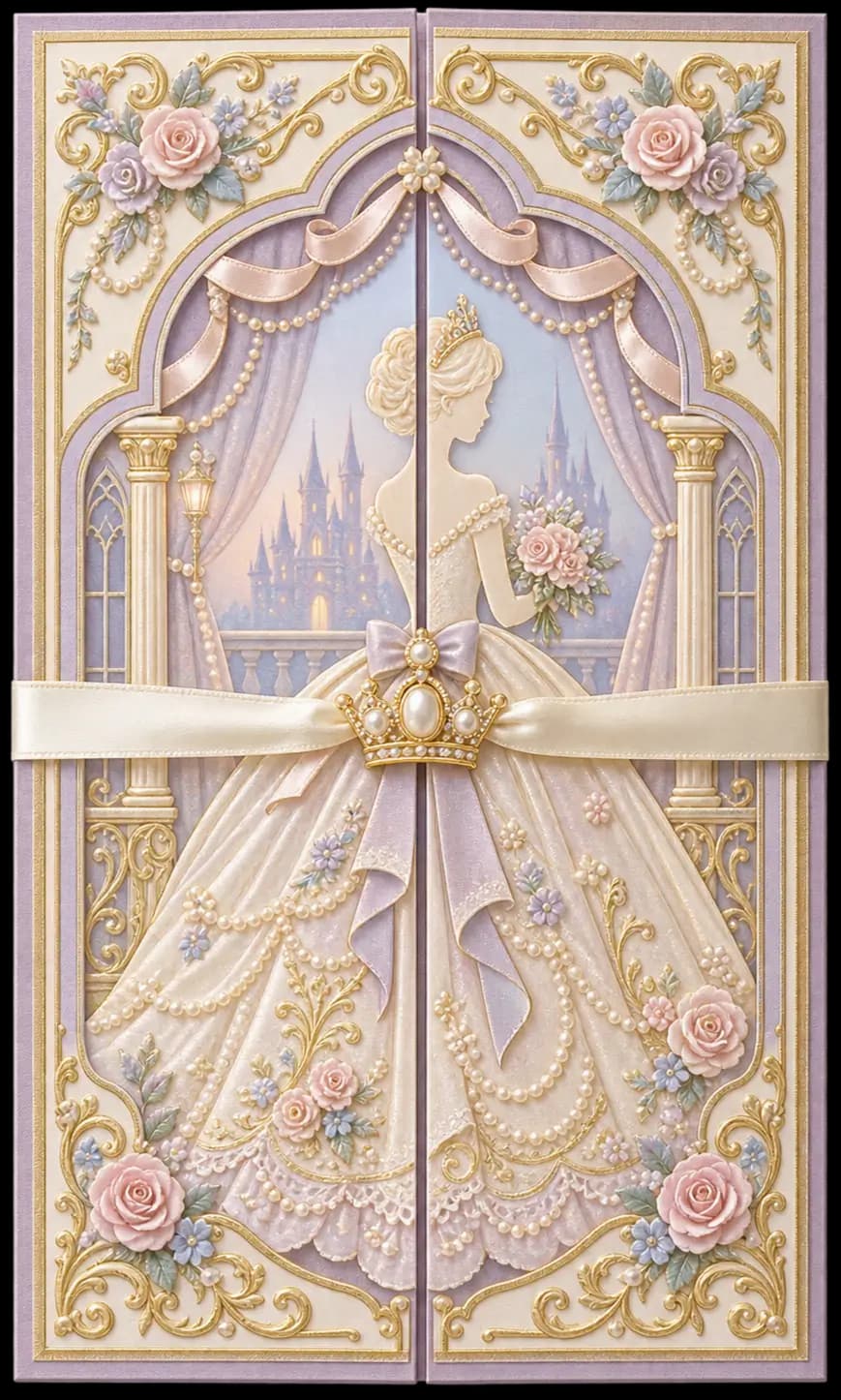
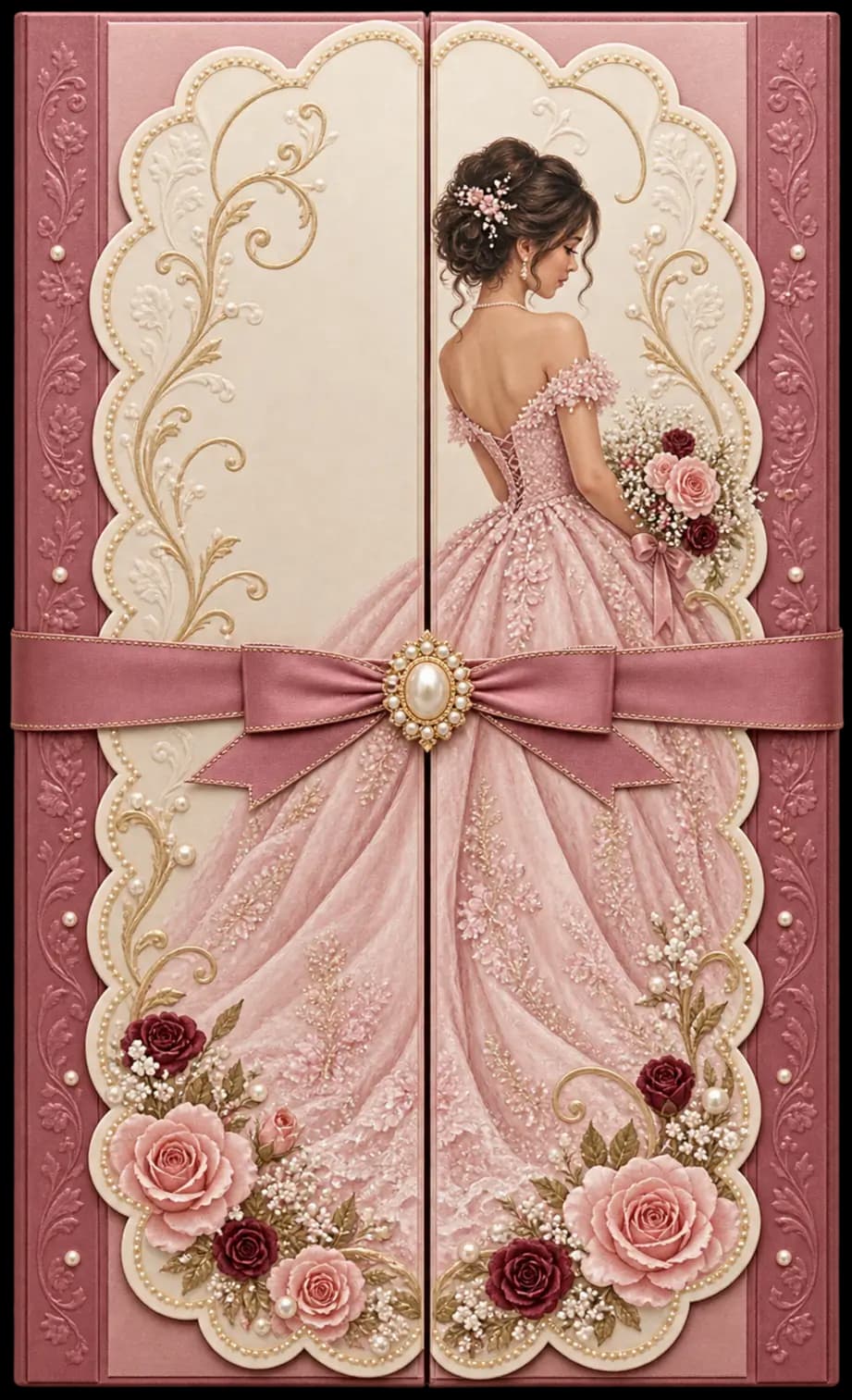
Choose from 24 debut themes. Every one can be personalized with your own photos, wording, colors and fonts, and you can preview it free before you publish.
Common questions
- Is this for 18th and 21st birthdays?
- Yes. The debut invitation takes the age the debutant is turning, usually 18, or 21 for many boys' debuts.
- Can I list the 18 roses, candles and treasures?
- Yes. The entourage has groups for Roses, Candles and Treasures, as well as Parents, Godparents, Blue Bills, Cotillion Dancers and Escorts, and the program starts with a ready list of those moments.
- Do guests need an app to RSVP?
- No. Guests open your link or scan your QR code in their phone's browser and reply there.
- Can I make the guest list invite-only?
- Yes. Turn on Guest list only, add your guests, and each guest finds their own name on your invitation and confirms.
- Can I share photos from the party with everyone?
- Yes, with the digital photobook on selected packages. Guests share photos by QR code, you approve them, and a live slideshow plays at the venue.
- How much does it cost?
- Creating and previewing your invitation is free. You choose a one-time package only when you are ready to publish. See the pricing page for the packages.
Creating and previewing is free. You choose a one-time package only when you're ready to publish. Questions? Contact us.